

Marketing
Publish a focused catalog, understand audience demand, and bring visitors back.
Connective AI / CX
The e-commerce catalog—
reinvented as AI.
Connect discovery to action through conversation, analysis, and workflows built around your products and services.
Explore ideas, weigh the evidence, and act on what you discover.
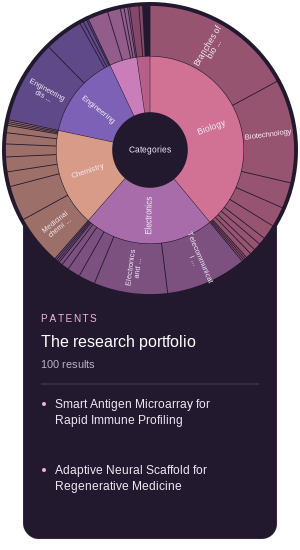
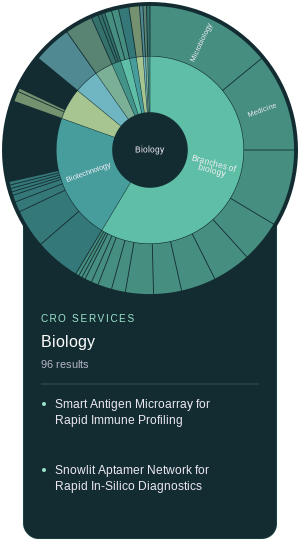
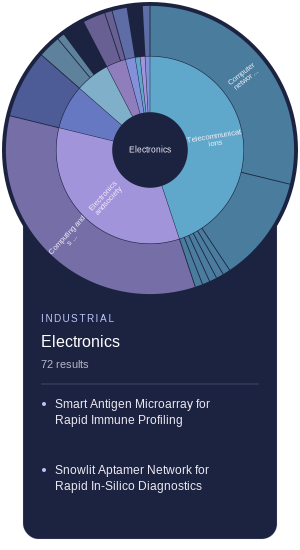
01 / Investigate
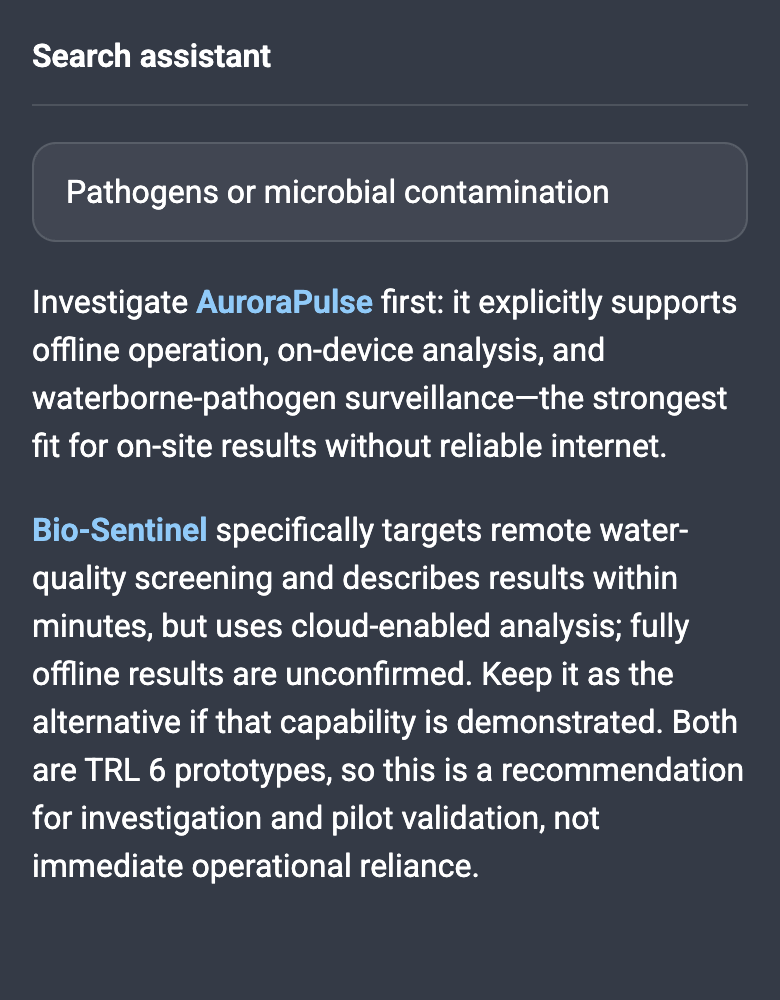
Start with a goal. Let the requirements shape the recommendation.
CX charts a course through the catalog with multiple choice questions that help you clarify your goal.
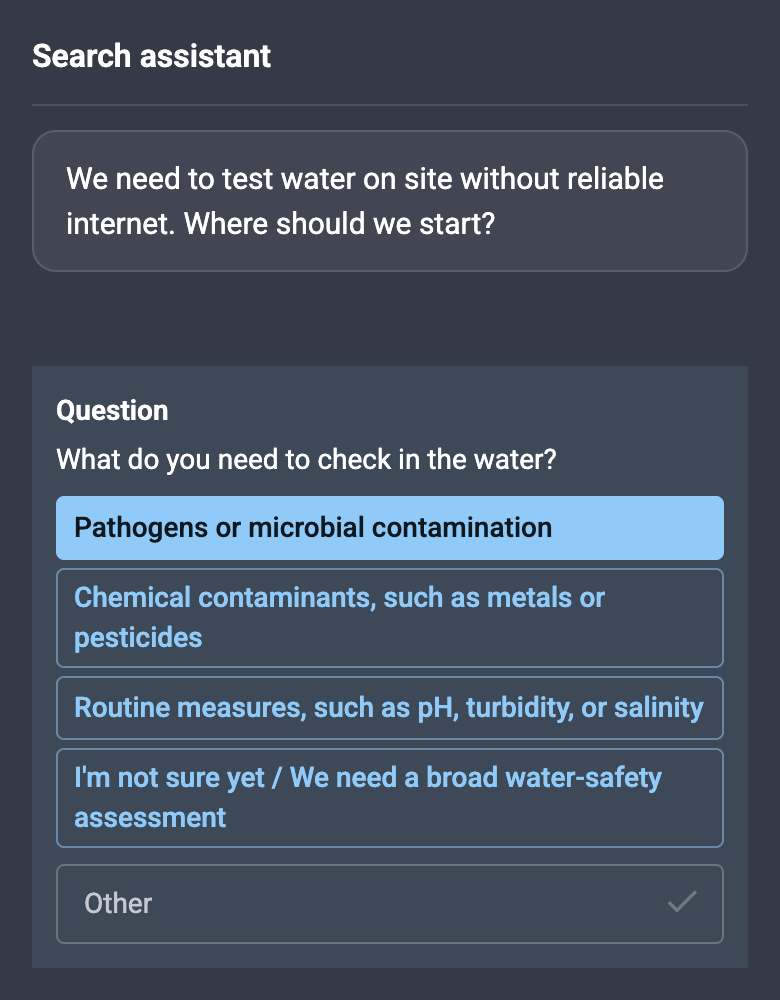
Adaptive retrieval gives the assistant relevant records and supporting detail as the investigation develops.
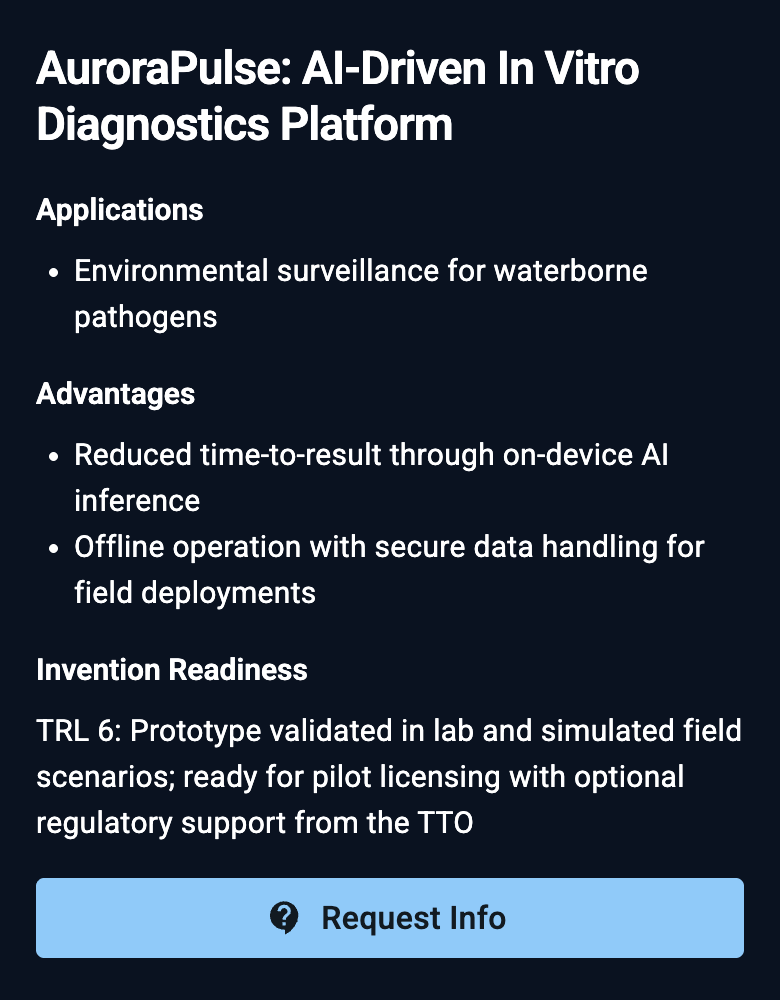
CX powers both a system of record and also a public portal optimized for humans, agents, and crawlers.
02 / Act
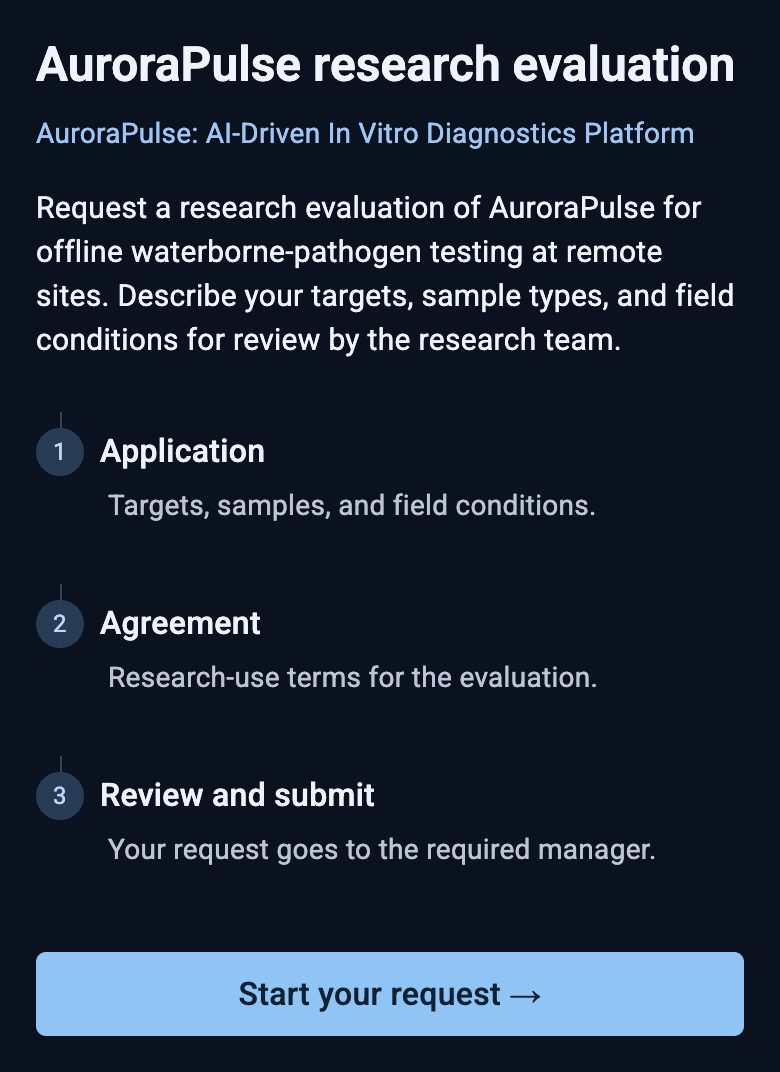
Visitors explain their requirements through inquiry forms the organization configures.
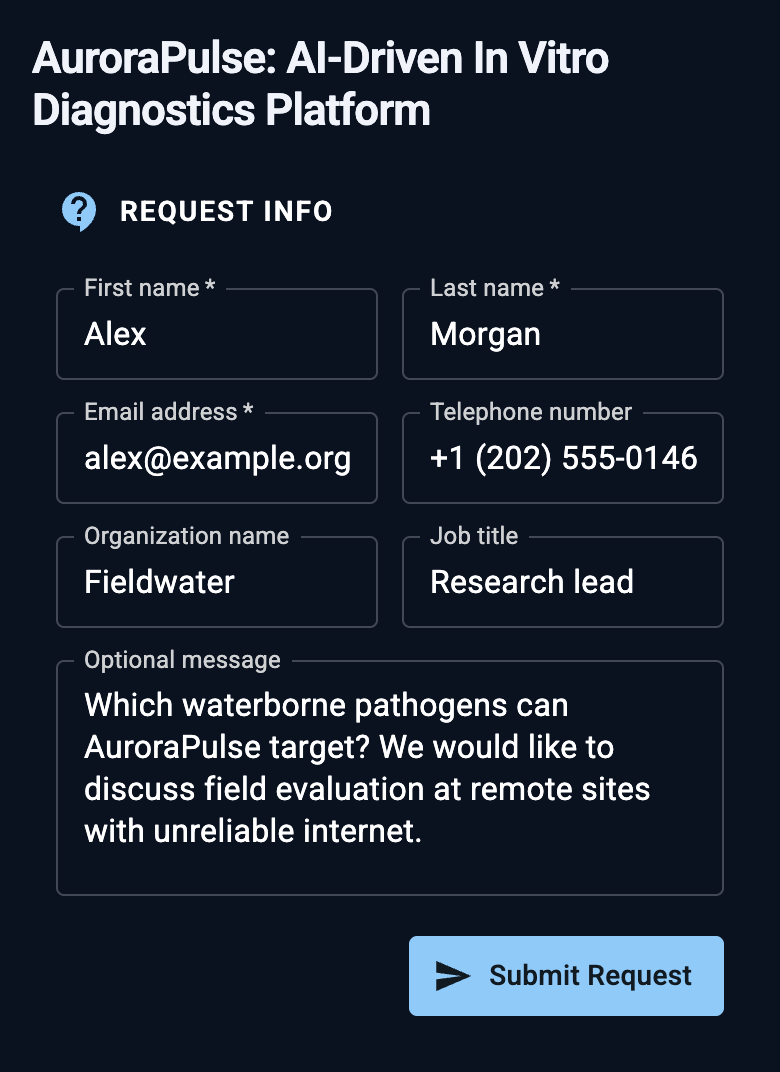
Products connect an application to the required agreements and approvals.
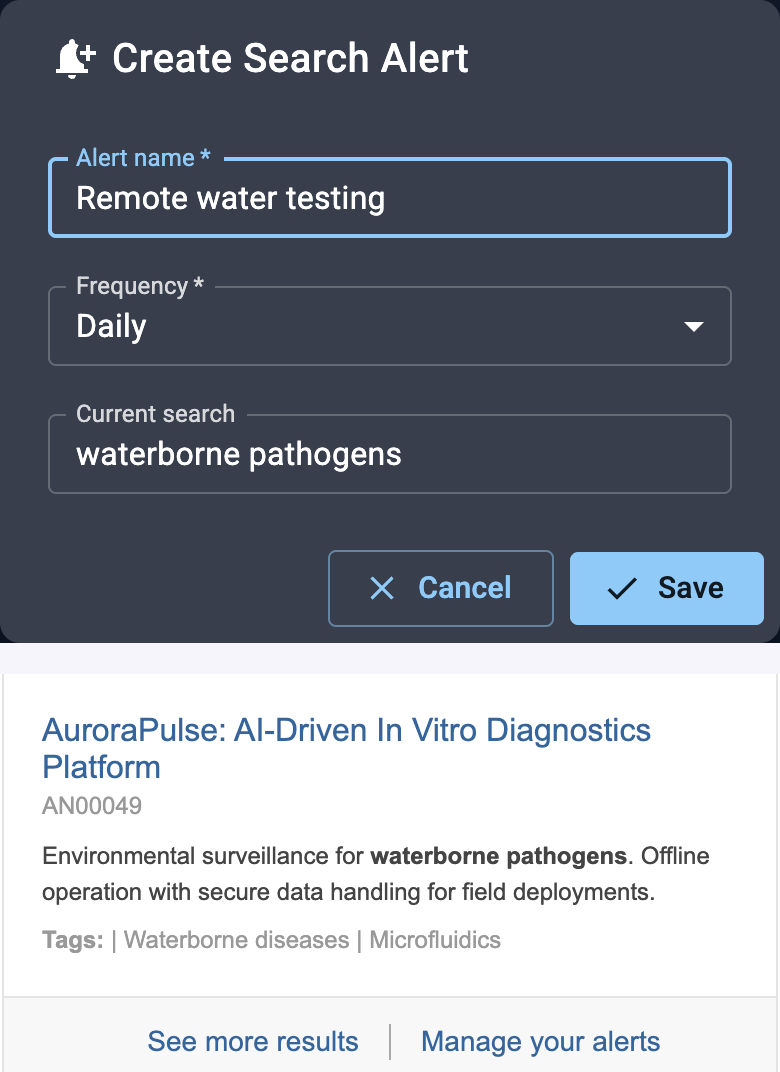
Saved searches bring relevant additions back by email.
03 / Built to connect
Behind the catalog, your team can develop opportunities or configure repeatable automations through ChatGPT, Claude, or CX’s assistant. Leverage built-in functions designed for e-commerce, powered by practically any AI provider. Configure the automations themselves using your favorite AI assistant.
In this example, we prompt Claude:
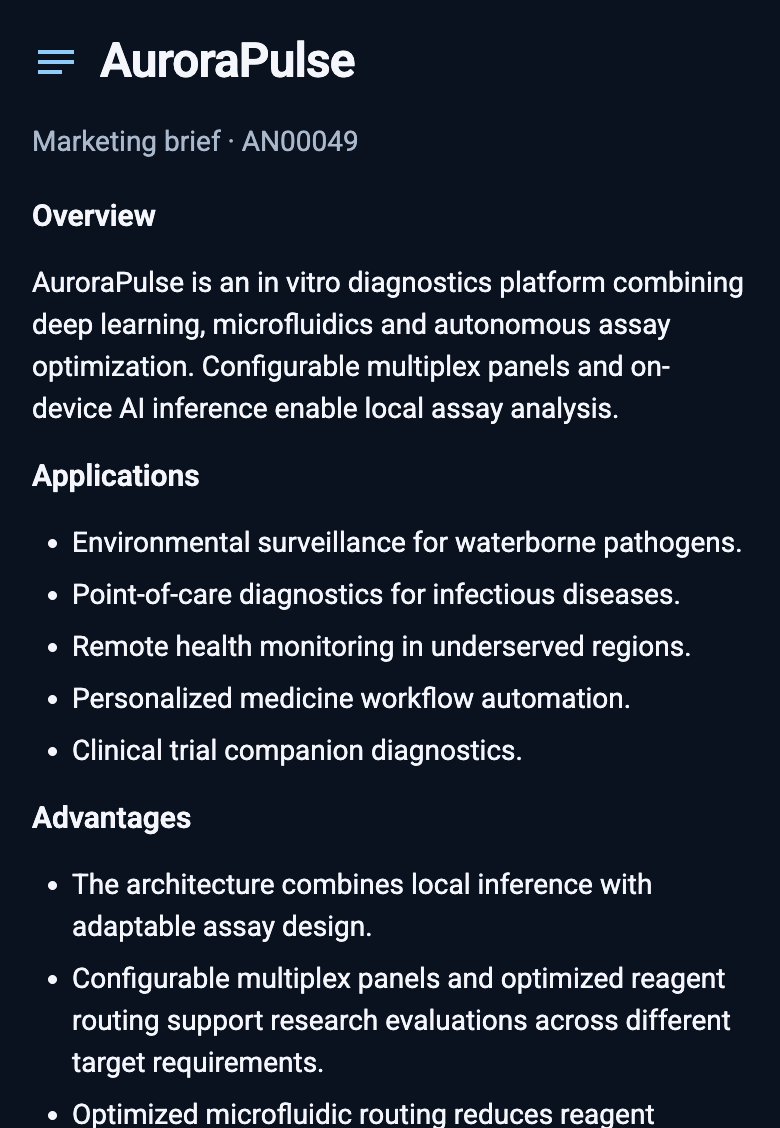
Build a daily automation that turns technical specifications into draft marketing briefs and classifies applications and offline capabilities.
The new automation can then generate marketing briefs and structured fields from the same source material—ready for your team to review, publish, search, and analyze.

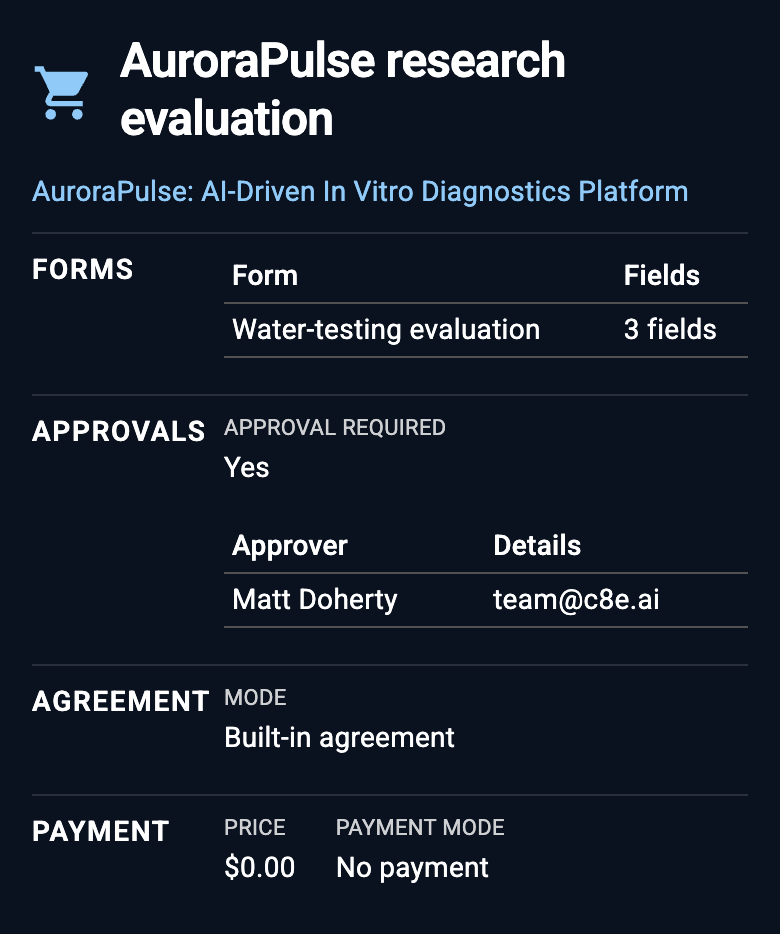
Create an evaluation product with an application form, agreement, and manager approval.
Match a corporate partner's needs to relevant technologies, then draft an introduction grounded in the source material.

Publish a focused catalog, understand audience demand, and bring visitors back.
Develop informed introductions and move promising matches into an evaluation.
Compare options, inspect the evidence, and decide what to pursue.
Explore first-party analytics, connect data through data imports and transformations, and govern access with shared permissions.
Bring your questions.
Bring a question you want answered or a process you want to improve.