
Data & enrichment
Make your catalog intelligent.
Connect your sources, enrich their descriptions, and make structured knowledge useful across search, analysis, assistants, and workflows.
Generate content. Enrich your catalog.
Turn source material into descriptions, summaries, and marketing content. Extract facts and classify records, creating structured information that powers search, analysis, and further automation.
Technical specification
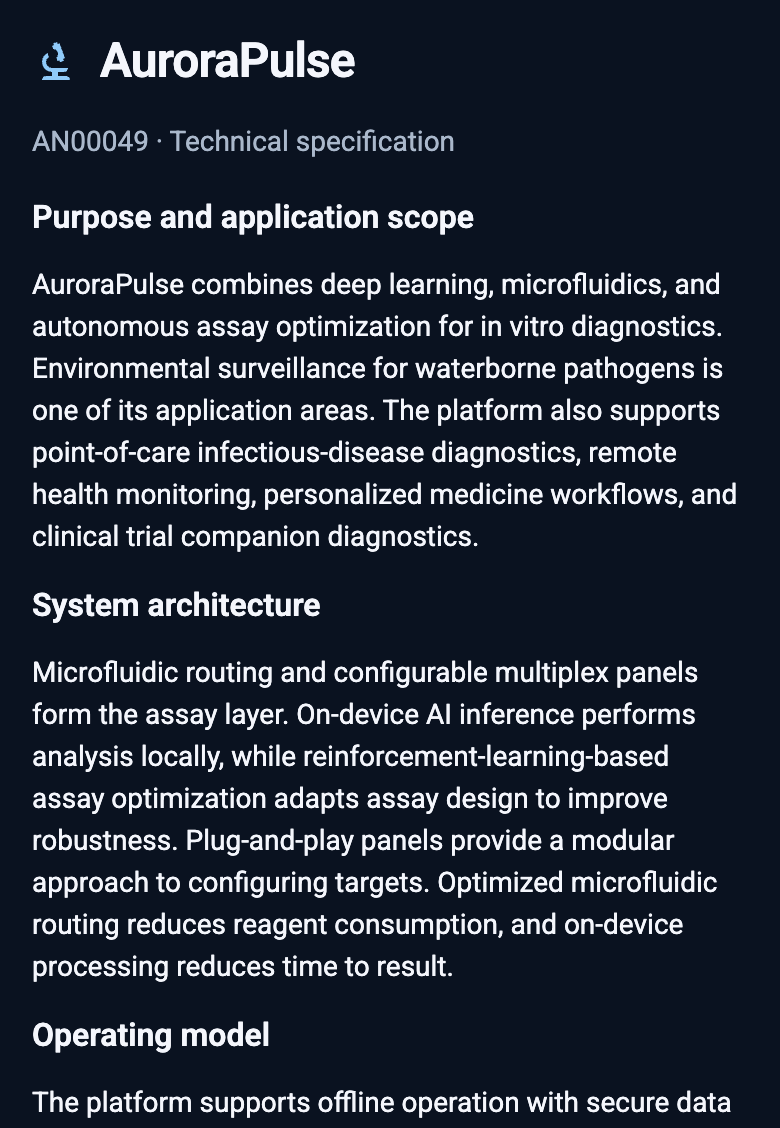
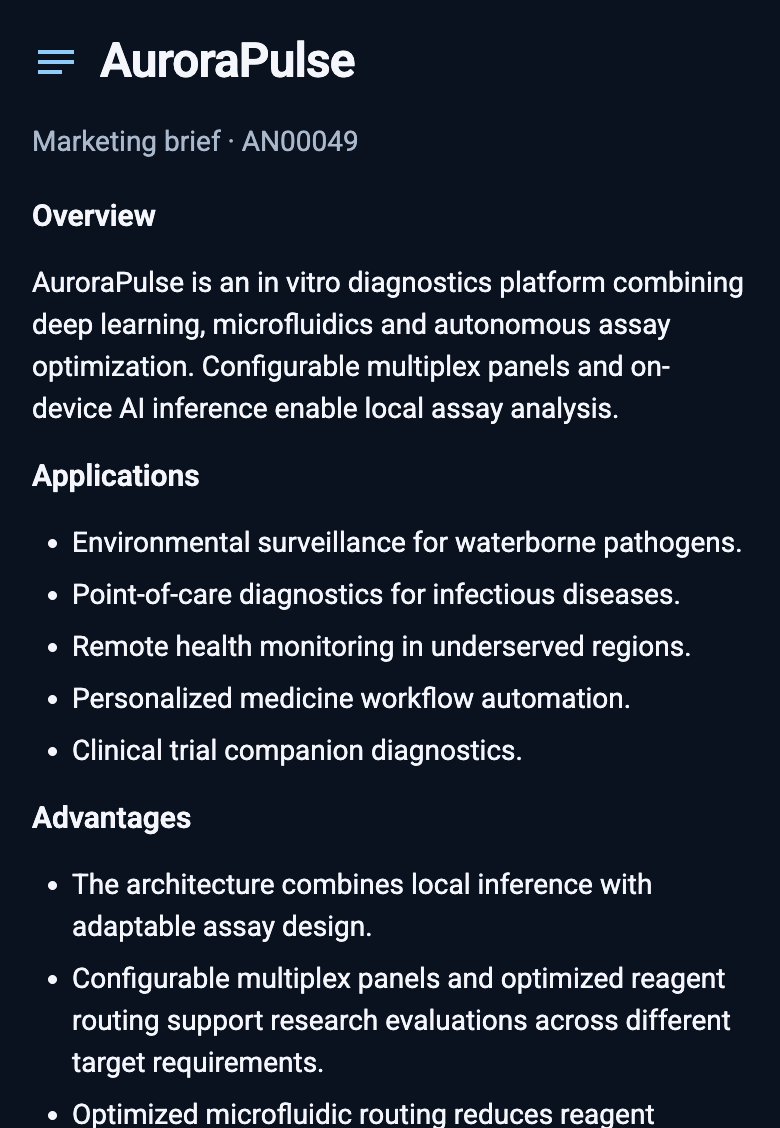
Draft marketing brief
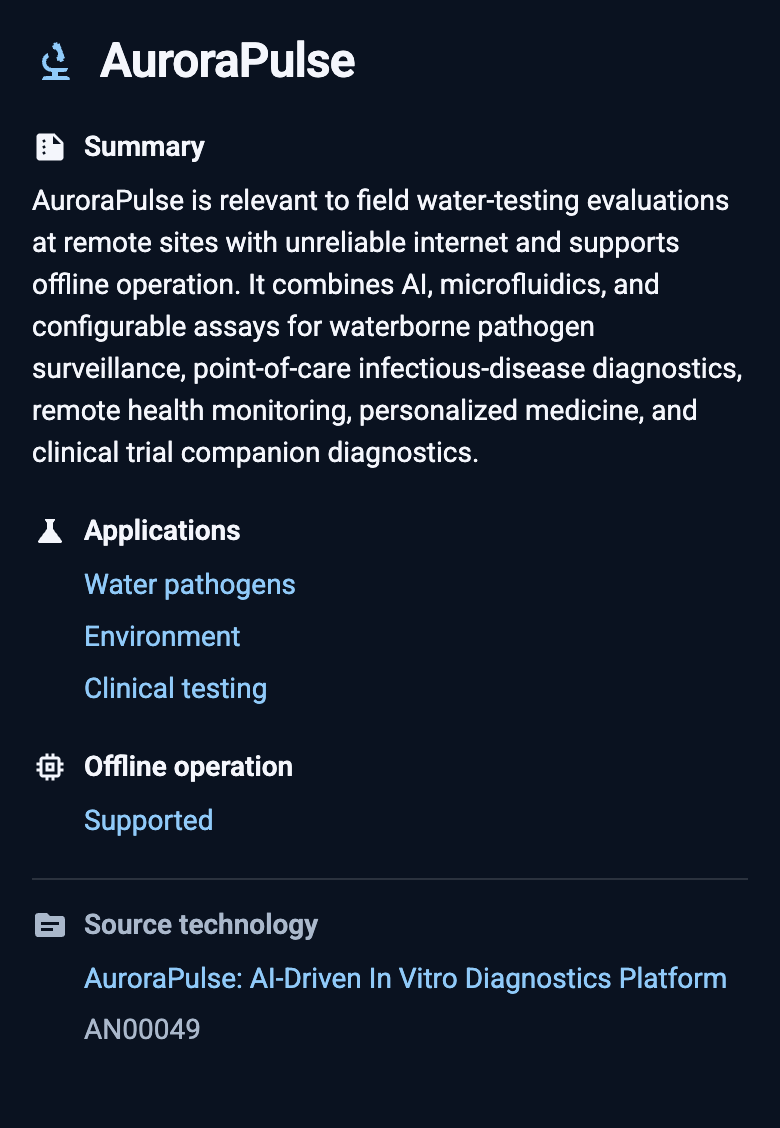
Structured catalog fields
Put the new fields to work.
In this example, we can filter for application and offline operation to find the enriched product. We can also reuse the same classifications in portfolio analysis and subsequent automations.
Explore portfolio analysis →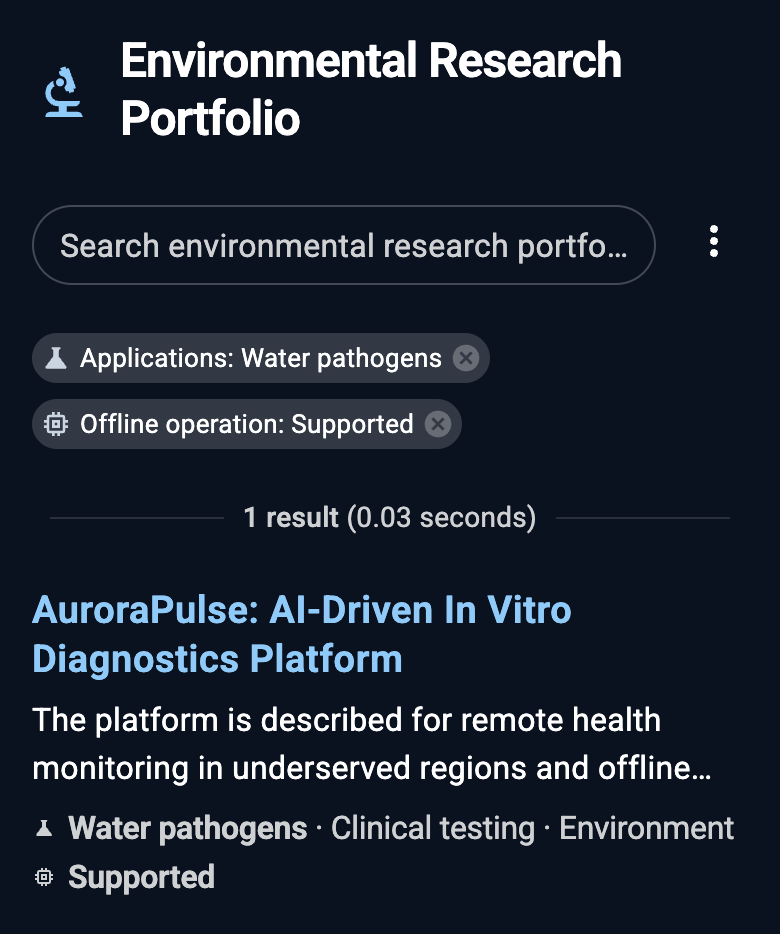
Define the fields once.
Object definitions connect these choices to record editors, public presentation, and assistant tools. Relationships connect the records to the organizations, people, and products around them.
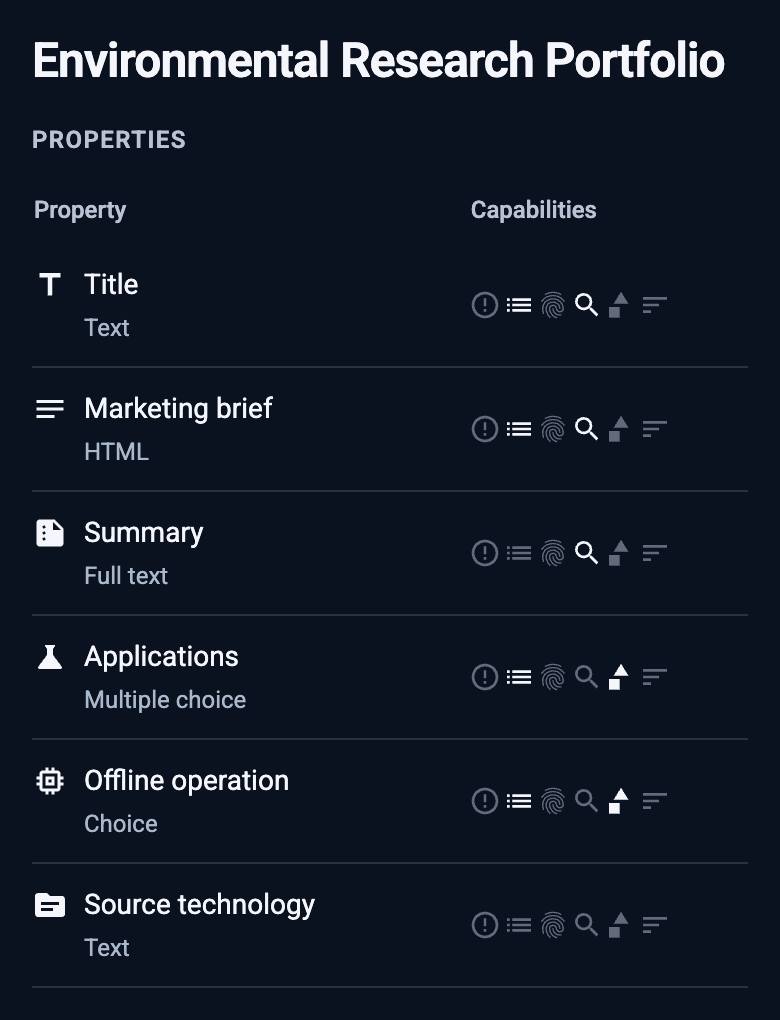
Here, we store a Marketing brief as HTML, keep Summary as text, and allow multiple values in Applications. Offline operation remains a classification. Choose which fields can be searched, filtered, and sorted.
Connect sources and transformations.
Bring data from CSV files, databases, or Salesforce into a shared model. Transform the imported data and reconcile the results with existing catalog records.
Inspect the transformation.
Generate formatted content alongside summaries and structured classifications in an editable SQL transformation. Inspect the instructions, refine the transformation, and save your changes.
Configure the automation in plain language →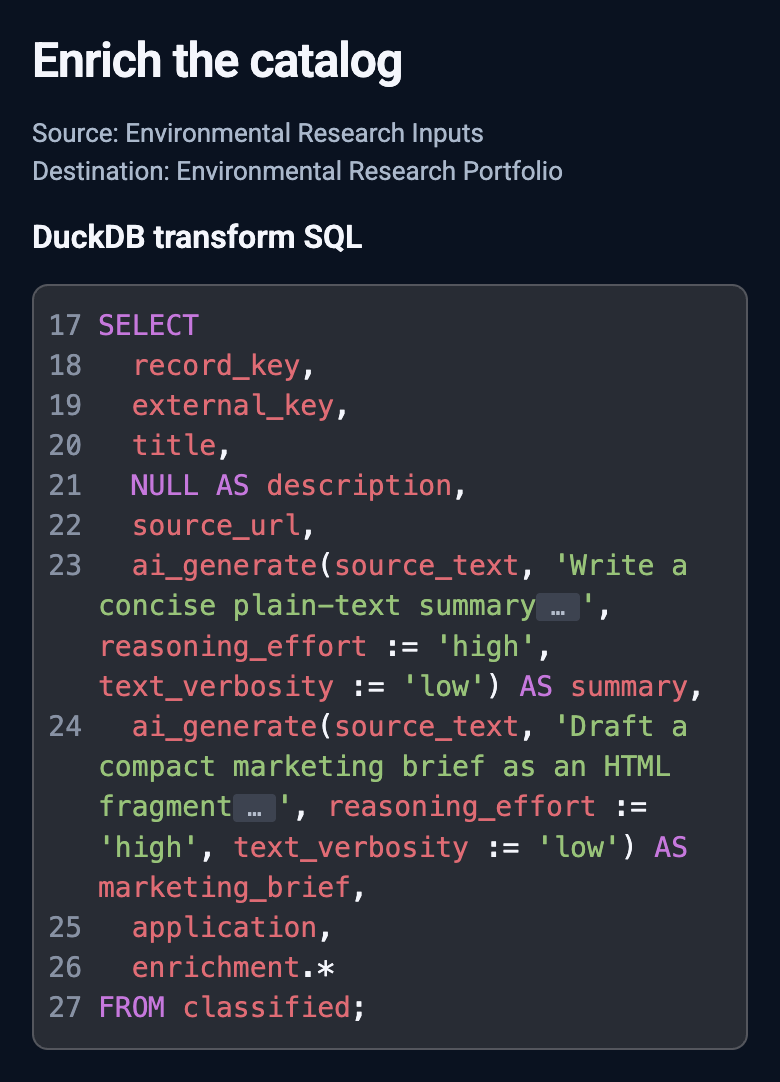
Maintain the knowledge structure.
The catalog’s taxonomy pipeline connects technology import, concept tagging, taxonomy maintenance, and category summaries. It maintains the structure visitors explore through the category wheel.
Schedule work or start the next step after an automation succeeds. Inspect dependencies, progress, and outcomes in the workspace.
Keep the information connected.
Export datasets and connect downstream systems. Choose AI providers and models by task, and set conversation-retention policies.
See the category wheel →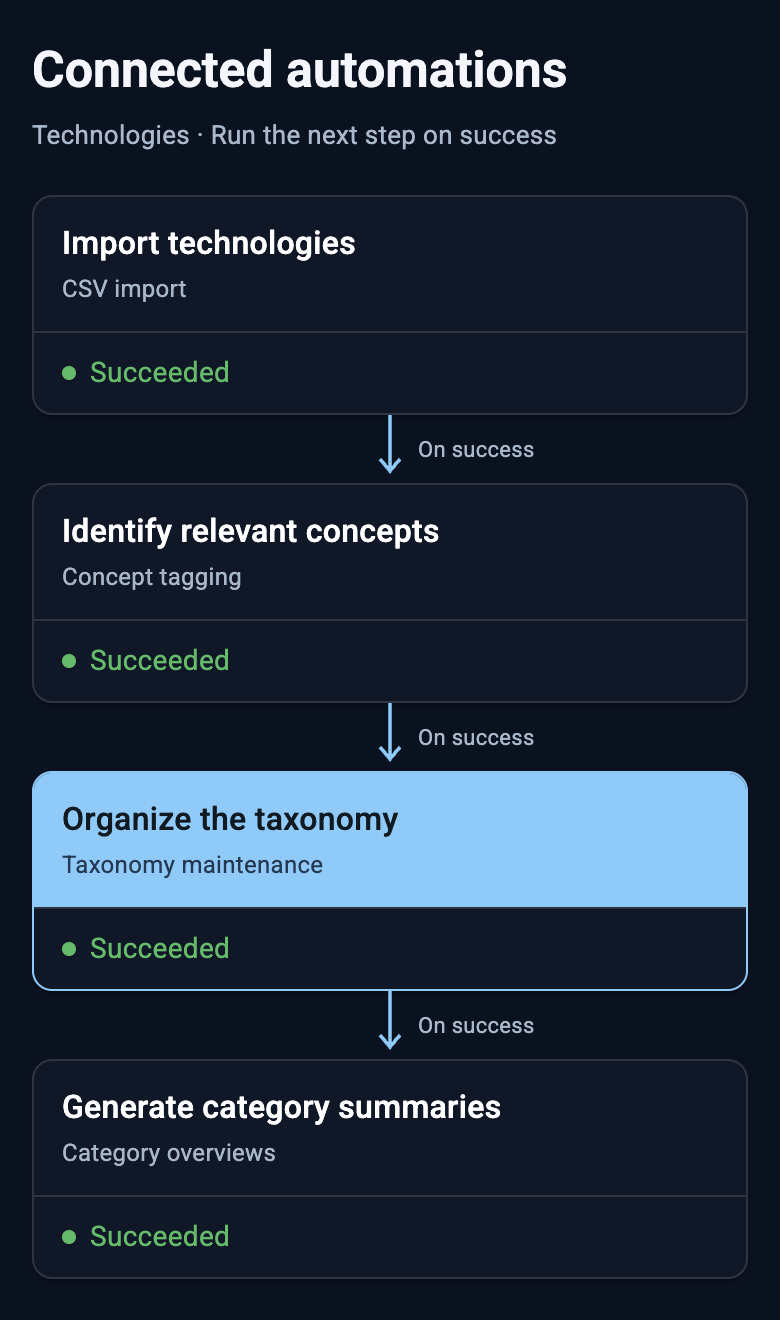
Bring your questions.
Let’s see where it leads.
Explore a real question with the assistant, examine the evidence, and follow it into a workflow.